Selecting the mode and file
Migration notice: This page was converted from the legacy TO3000 3D CHM. Classification: KEEP. Legacy wording is evidence only — verify against current TO3000 7.1 / qa before treating as authoritative.
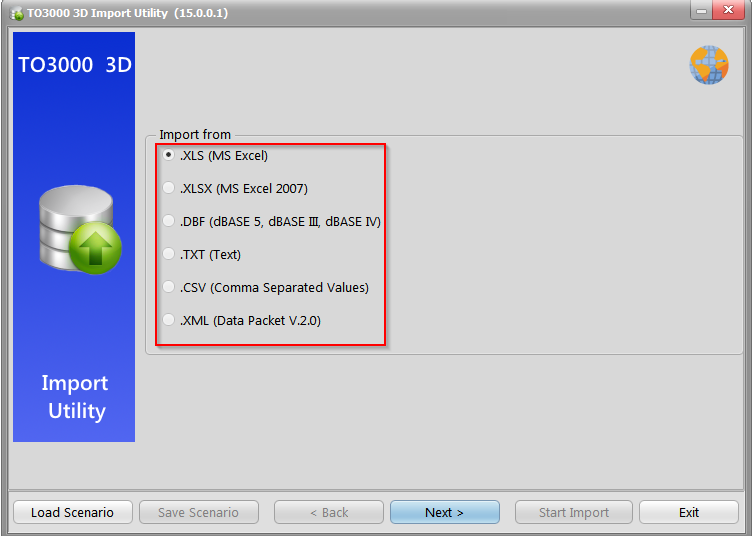
The first step when using the Data import utility is to choose the format of the source file. This is the step at which you can load a scenario file.
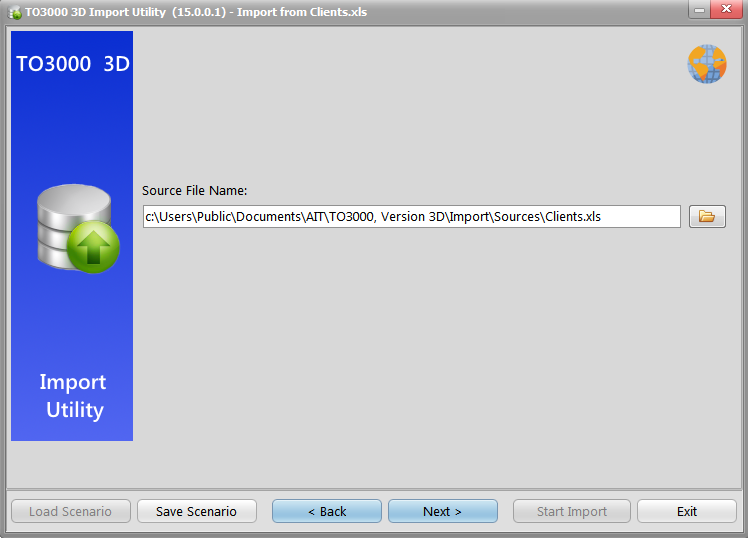
Finally, you select the actual source file. If you loaded a scenario beforehand, the file path to the source file will likely be pre-entered.
The next screen is the Range Editor. Its appearance will vary depending on the chosen format.
See the topics for each format for more details: XLS, XLSX, DBF, TXT, CSV, XML.

See also: