Import Scenarios
Migration notice: This page was converted from the legacy TO3000 3D CHM. Classification: KEEP. Legacy wording is evidence only — verify against current TO3000 7.1 / qa before treating as authoritative.
Import scenarios are special files that store the configuration of import sessions.
They are very useful for those who regularly import files from the same source, as using them allow to avoid having the configure the import session by hand.
To manage import scenarios, use the Save Scenario and Load Scenario buttons in the bottom-left corner of the window.
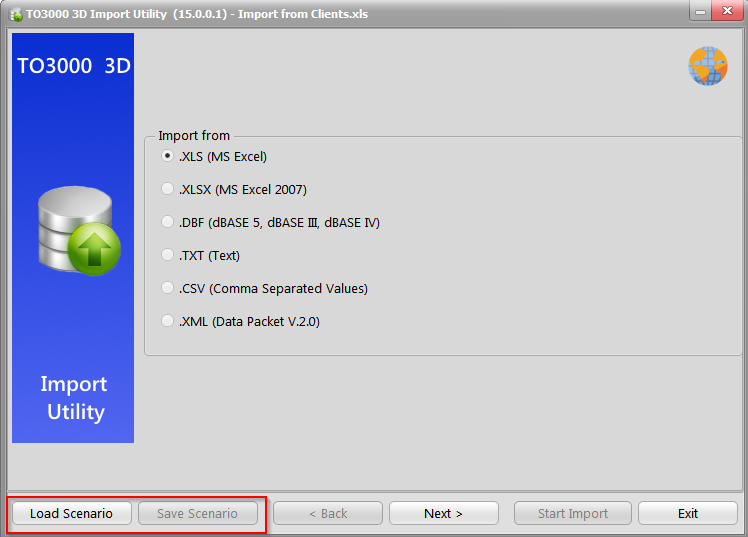
A scenario can be saved at any point during the configuration process, but it is recommended to save scenarios immediately before or immediately after performing the actual import.
A scenario can be loaded only during the “select format” step.

See also: