CSV Range Editor
Migration notice: This page was converted from the legacy TO3000 3D CHM. Classification: KEEP. Legacy wording is evidence only — verify against current TO3000 7.1 / qa before treating as authoritative.
Used for Comma Separated Values files.
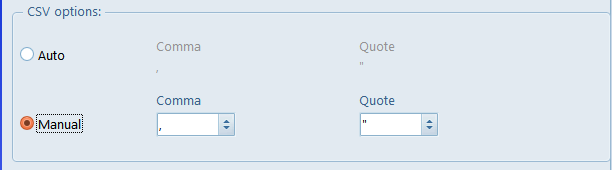
Before going to the range editor itself, you can adjust the “comma” and “quote” symbols that the utility will be looking for while reading the file, since some files can use symbols different from the standard.
The interface of the CSV Range Editor proper is quite similar to that of the XLSX range editor.
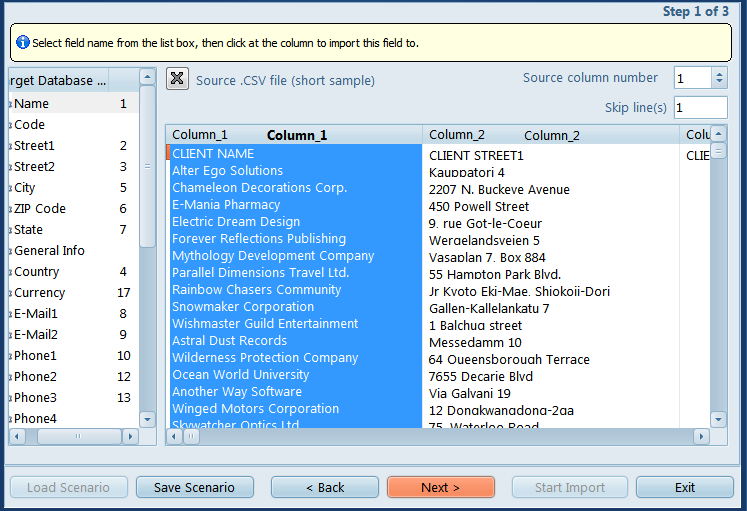
Select a database field and click a Column in the file display to link it to that field. Click the ‘X’ button to clear all links.
Use the Skip lines field to exclude title lines.

See also: