Categories
Migration notice: This page was converted from the legacy TO3000 3D CHM. Classification: KEEP. Legacy wording is evidence only — verify against current TO3000 7.1 / qa before treating as authoritative.
Categories settings allow you to add, edit and remove custom types of info notes displayed on the Info tabs of the Client and Project windows.
To open the Categories tab click Categories in the left part of the Business settings window.
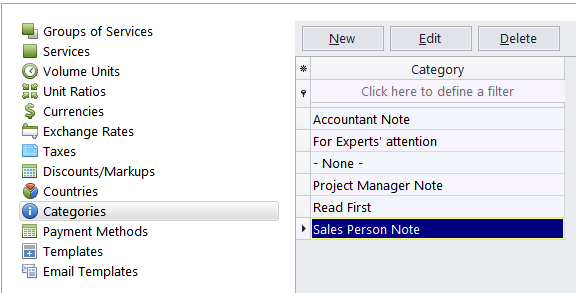
To add a new category click the New button, and enter it’s name.

See also: