Backup
Migration notice: This page was converted from the legacy TO3000 3D CHM. Classification: REWRITE. Legacy wording is evidence only — verify against current TO3000 7.1 / qa before treating as authoritative.
It is recommended to perform regular backups of the TO3000 3D database. You can perform a backup of the database at any time by clicking the Backup button on the Database Settings window of TO3000 3D.
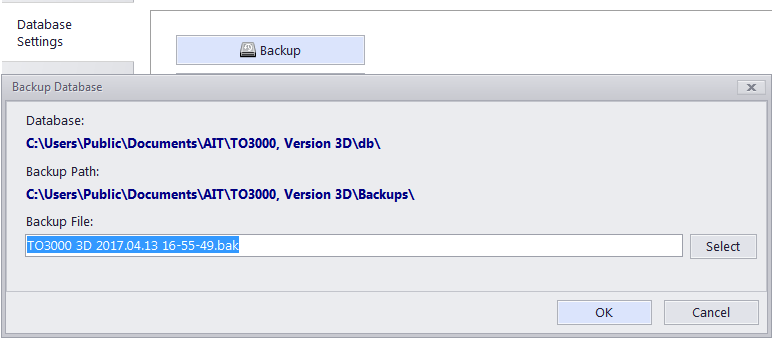
To perform a backup operation:
1. Go to Backstage > Database Settings, and click the Backup button;
2. Specify the location of the backup file by clicking Select button;
3. Enter backup file name in the Backup File field;
4. Click OK button to begin backup operation.

See also: