Workflow modes
Migration notice: This page was converted from the legacy TO3000 3D CHM. Classification: REWRITE. Legacy wording is evidence only — verify against current TO3000 7.1 / qa before treating as authoritative.
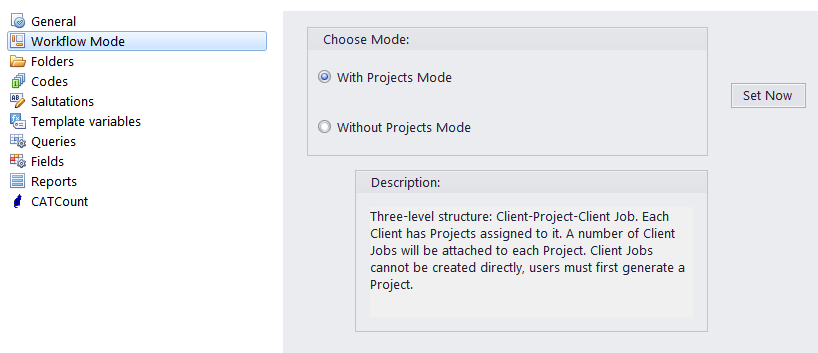
The Workflow Modes menu is used to choose the workflow mode used in TO3000 3D. There are two modes available:
·With Projects Mode. This workflow mode allows to group jobs in a project.
·Without Projects Mode. This workflow mode allows to work with jobs without creating a project.
Select the mode you want to use and click Set Now.

See also: