Service Wizard
Migration notice: This page was converted from the legacy TO3000 3D CHM. Classification: KEEP. Legacy wording is evidence only — verify against current TO3000 7.1 / qa before treating as authoritative.
This wizard can quickly create new services and add their base prices to the price lists. the process consists of 3 steps:
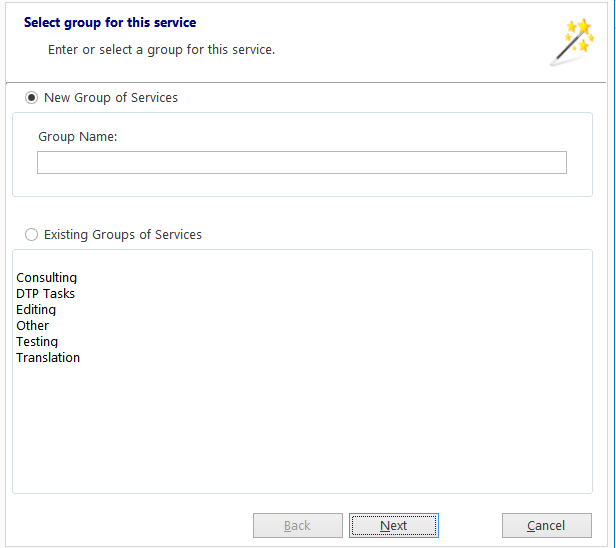
1. Create a new Service group or select an existing group.
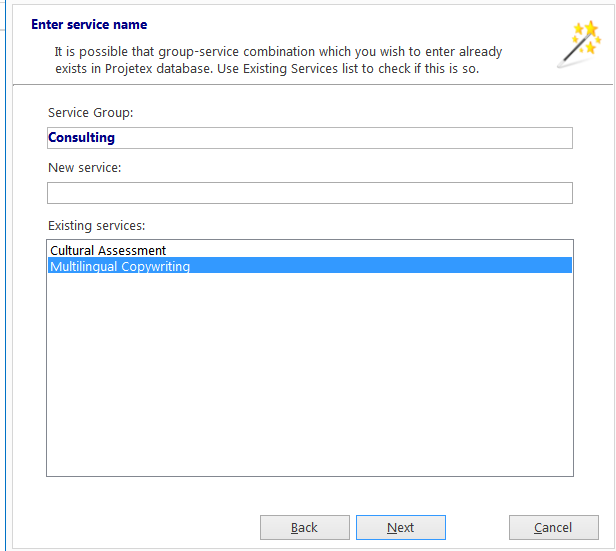
2. Enter the name of the new service. Check against the list of existing services to avoid duplicates.
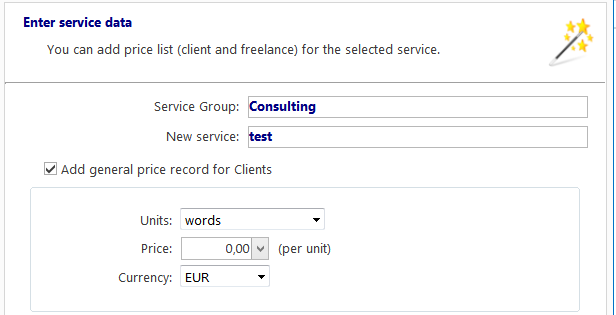
3. Set the General price of the service (if necessary), selecting the currency, unit, and per-unit price for each.

See also: