Prospect Window Quotes Tab
Migration notice: This page was converted from the legacy TO3000 3D CHM. Classification: KEEP. Legacy wording is evidence only — verify against current TO3000 7.1 / qa before treating as authoritative.
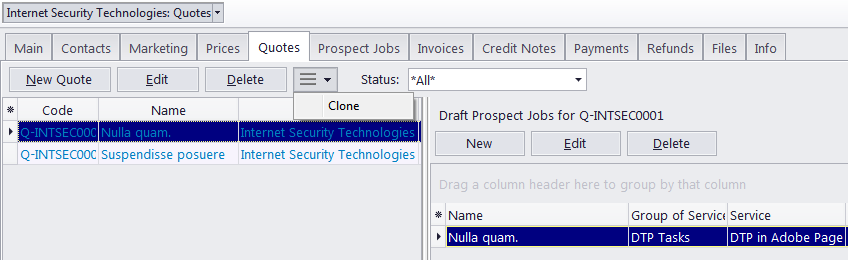
Quotes to prospect can be managed on the Quotes tab of the Prospect window. A quote can contain a number of draft prospect jobs, each job representing a service and its price being quoted.
Like most workflow documents in TO3000 3D, quotes can be saved to a printable file or printed. Please refer to the Creating quotes to prospects topic for more details.
A quote can have one of the five statuses: Unknown, Accepted , Rejected, Received and Corrected. Depending on its current status, the quote will be marked with different color in the quotes list:
-
blue for Unknown
-
green for Accepted
-
red for Rejected
-
purple for Received or Corrected
A quote’s status can be changed in the Edit Prospect Quote window. Please refer to the Creating quotes to prospects topic for more details.
To manage quotes for a certain prospect, select this prospect in the list on the Main tab of the Prospect window and click the Quotes tab.

See also: