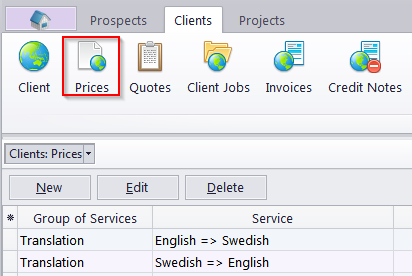
Client Prices window
Migration notice: This page was converted from the legacy TO3000 3D CHM. Classification: REWRITE. Legacy wording is evidence only — verify against current TO3000 7.1 / qa before treating as authoritative.
The Client Prices window displays your general price-list. These prices can be used when creating quotes, jobs and invoices for any client in your database.
Prices can be created and managed here.
 Note: Any prices added to this list will also appear on the Prospect Price List, and vice versa.
You can print your general price list or save it in a text file by selecting an RTF template and clicking Save, Save and Open or Print buttons at the bottom of the window. Click Send Mail to open the Mail Sender for the generated price list.
Templates used to print price-lists can be configured by clicking User Settings in the Backstage view and selecting the Templates section. Templates for prices are stored in the C:\Users\Public\Documents\AIT\TO3000, Version 3D\Templates\CLIENTS\Prices\ folder.

See also: