Exporting and printing data from TO3000 3D
Migration notice: This page was converted from the legacy TO3000 3D CHM. Classification: KEEP. Legacy wording is evidence only — verify against current TO3000 7.1 / qa before treating as authoritative.
Exporting
Any table in TO 3000 can be exported to a number of formats (CSV, TXT, HTML, XLS, XLSX, XML, PDF), by clicking the Export button in the top-left corner of the program window.
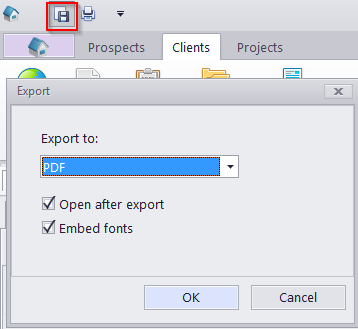
This will open the Export dialog box with several options.
The Export to drop-down list can be used to select format of the output file.
The Open after export check-box automatically opens exported file.
The Embed fonts check-box, only visible when exporting to PDF, creates a .pdf file with all used fonts embedded (using this option you can be sure that you text will look the same on any computer, even if the fonts used are not installed there).
Printing
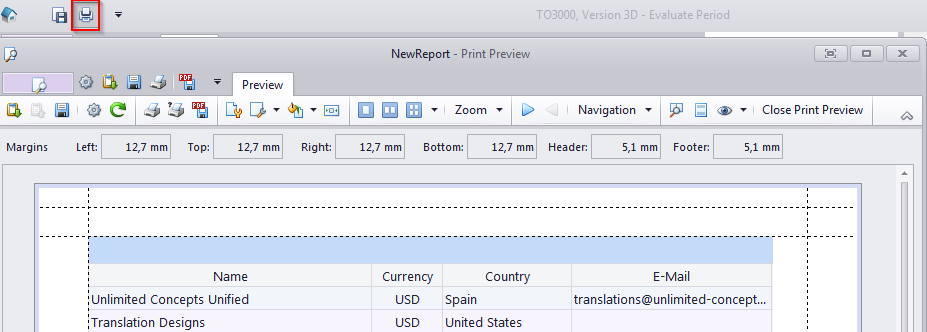
To print any table, click the Print button next to the Export button.
This will open the Print Preview window and allow you to adjust the appearance of the table (e.g. alter the margins, page parameters, etc.) before printing it.

See also: