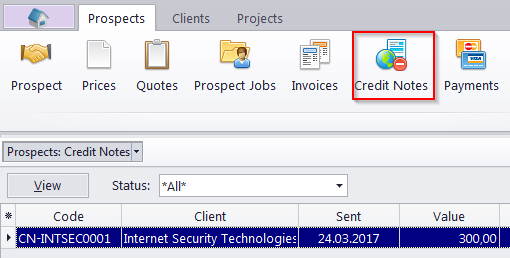
Prospect Credit Notes window
Migration notice: This page was converted from the legacy TO3000 3D CHM. Classification: KEEP. Legacy wording is evidence only — verify against current TO3000 7.1 / qa before treating as authoritative.
The options available for this window are the same as those in the Credit Notes tab of the Prospect window.
The major difference is that the Prospect Credit Notes window displays all credit notes to all former or inactive clients.
Use the Status filter drop-down list to display only credit notes with a specific status (Closed, Awaiting Payment, Partially Paid, or Fully Paid).

See also: