Client Wizard
Migration notice: This page was converted from the legacy TO3000 3D CHM. Classification: KEEP. Legacy wording is evidence only — verify against current TO3000 7.1 / qa before treating as authoritative.
The New Client Wizard guides you through the user creation process in 8 steps. After entering the required information
1. Enter the Client’s name.
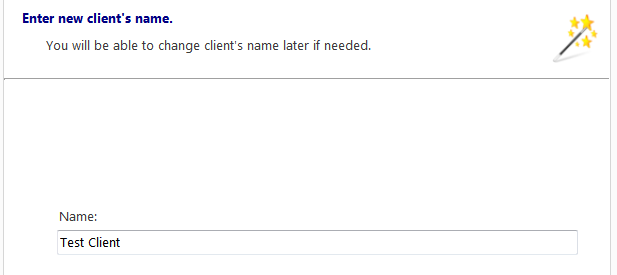
2. The client’s code is generated from the name. You can confirm or Edit it.
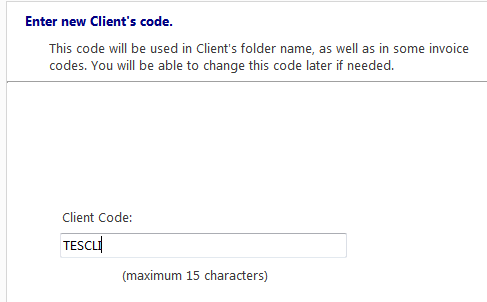
3. Enter the client’s Postal address data (street address, city, country, zip code). This and all subsequent steps are optional and can be skipped.
4. Enter the contact details (e-mails, phones, fax, Web-site).
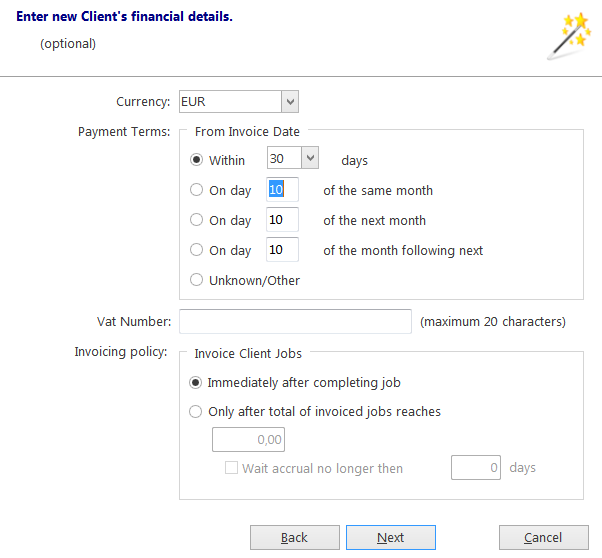
5. Adjust the financial details (client’s currency, VAT number, payment and invoicing terms)
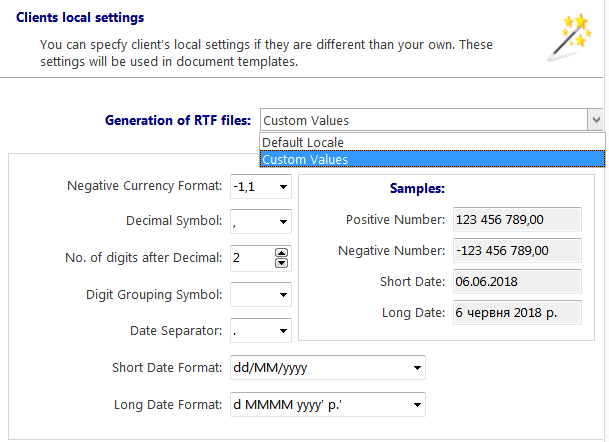
6. Confirm or adjust the client’s locale settings.
7. Enter any General information about the client.
8. Enter data into the client’s custom fields (if any). Click Finish to create the new client.

See also: