Client window Calendar tab
Migration notice: This page was converted from the legacy TO3000 3D CHM. Classification: KEEP. Legacy wording is evidence only — verify against current TO3000 7.1 / qa before treating as authoritative.
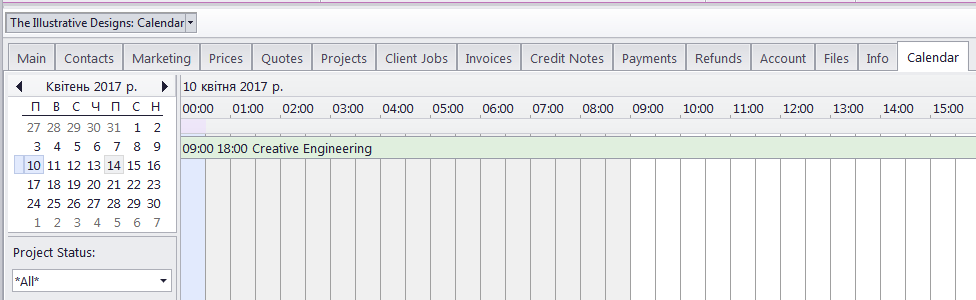
The Calendar tab of the Client window displays this client’s projects in the visual format of calendar blocks. Each block stretches across the calendar from assignment until completion, or until the deadline if the project has not been completed jet.
Double-click any block representing the project to open the Edit Project window for it..
See the Using Calendars topic for more information on calendars.
Project block colors
Like the Projects they represent, calendar blocks can have different colors, depending on the statuses of respective projects:
Green — the project is not completed yet, but its deadline is in the future.
Blue — the project is not completed and due today.
Red — the project is not completed and overdue (its deadline is in the past).
Grey — the project is canceled.
Pale Pink — the project is completed.
Pale green — the project is Heads-Up.
Pale Orange — the project is On Hold.

See also: