CATCount
Migration notice: This page was converted from the legacy TO3000 3D CHM. Classification: KEEP. Legacy wording is evidence only — verify against current TO3000 7.1 / qa before treating as authoritative.
This area contains settings for the CATCount tool, used to calculate volumes of computer-assisted translation.
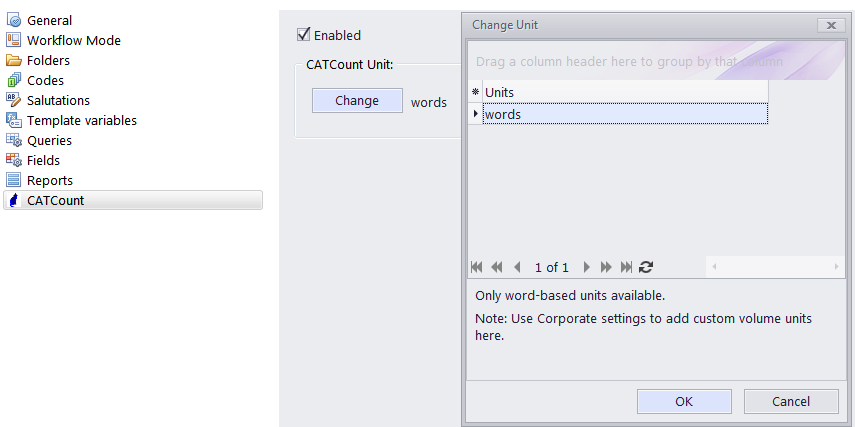
Select the Enabled check box to enable CATCount in Projetex Workstation.
Click the Change button and select the word-count units in which CATCount must provide its counts. CATCount supports only word-based units.
When this feature is enabled, the CATCount button appears in New Client Job (Edit Client Job) and New/Edit Client Quote, windows.
 Note: Units displayed in this list can be edited in the Volume Units area of the Business Settings tab in the Backstage view.

See also: